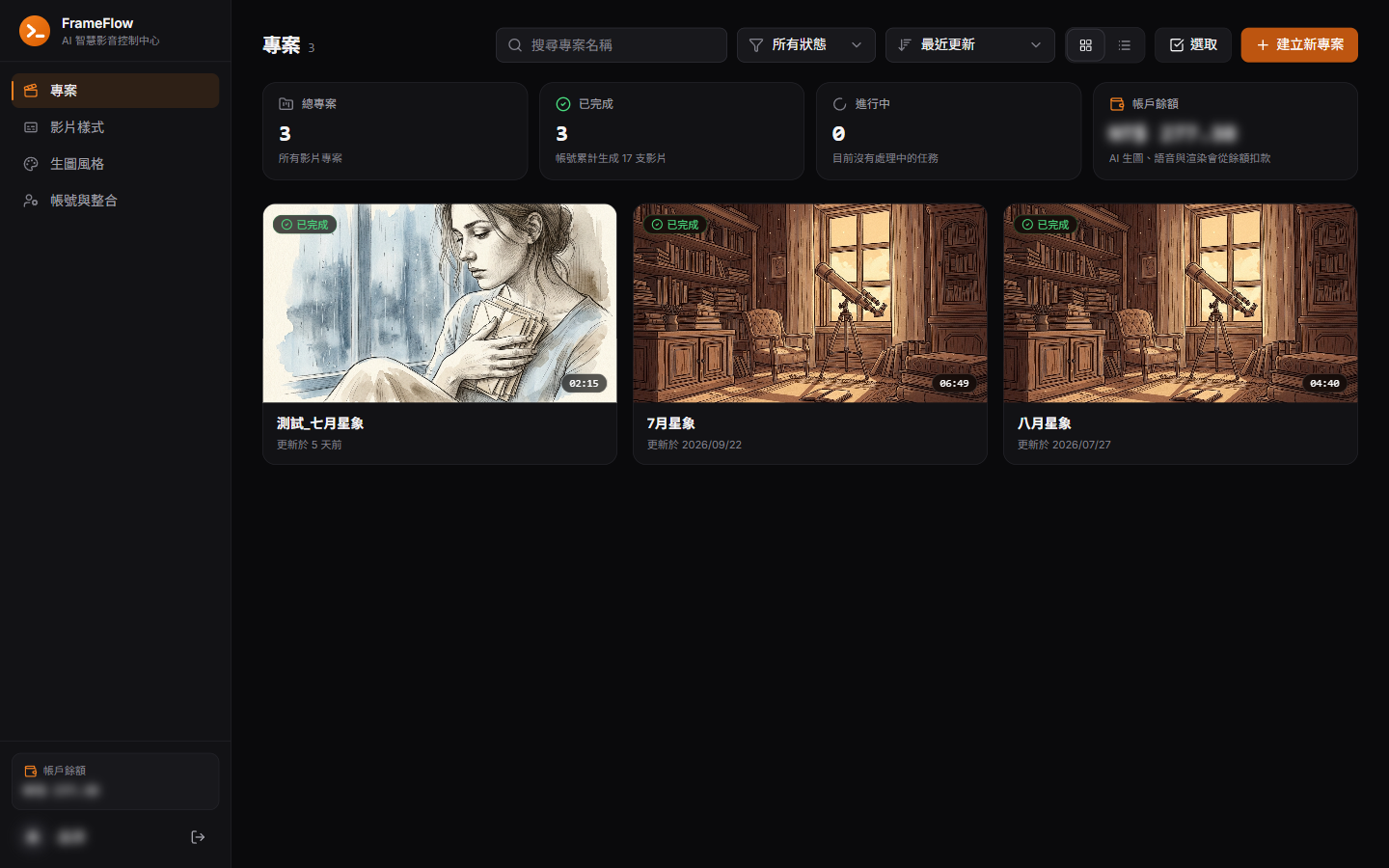
From script to YouTube, automatically.
An internal system built for a studio. A script passes through an AI storyboard, consistent-style images, optional image-to-video, ElevenLabs narration and timeline adjustments, is rendered by FFmpeg, then uploaded to YouTube and backed up to Google Drive. Every AI call is metered through fluxRelay.
- camera moves, plus automatic
- 13
- camera moves, plus automatic
- total A/V error, non-accumulating
- 33 ms
- total A/V error, non-accumulating
- render time after switching to stream copy
- 36.8→11.7 s
- render time after switching to stream copy
- API endpoints
- 59
- API endpoints
01
Problems
Inconsistent image style
Images generated one by one rarely share the same characters or brushwork within a video.
Audio and video drift
With many scenes, small per-scene errors accumulate until the later scenes are visibly out of sync.
Costly timeouts on long jobs
A single 120-second timeout once meant the provider had charged but the result was lost, so calls became async jobs with polling.
Small edits meant full re-narration
Narration is generated in one pass, so changing one scene meant regenerating all of it.
02
Architecture
The browser talks only to Next.js, which forwards same-origin requests to a single-worker FastAPI. Generation runs as background tasks with one mutating job per project at a time, and provider keys and billing are managed in fluxRelay.
← Swipe to see the whole flow →
Tech stack
- Front end
- Next.jsReactTailwind CSSwavesurfer.js
- Back end
- PythonFastAPISQLAlchemyPostgreSQL
- AI & media
- GeminiElevenLabsFFmpeg
- Integrations & deployment
- YouTubeGoogle DriveDockerZeabur
03
Key features
AI storyboard
Gemini splits the script into scenes with tone, camera move and image prompt, or you split it by blank lines.
Consistent-style images
Eight style templates, a reference image and AI-assisted style writing, with regeneration and in-place edits.
Image-to-video (optional)
Budget mode is always 4 s, or pick 4, 6 or 8 s to fit the scene.
Narration
ElevenLabs voice and stability settings with 27 audio tags, or record any scene by hand.
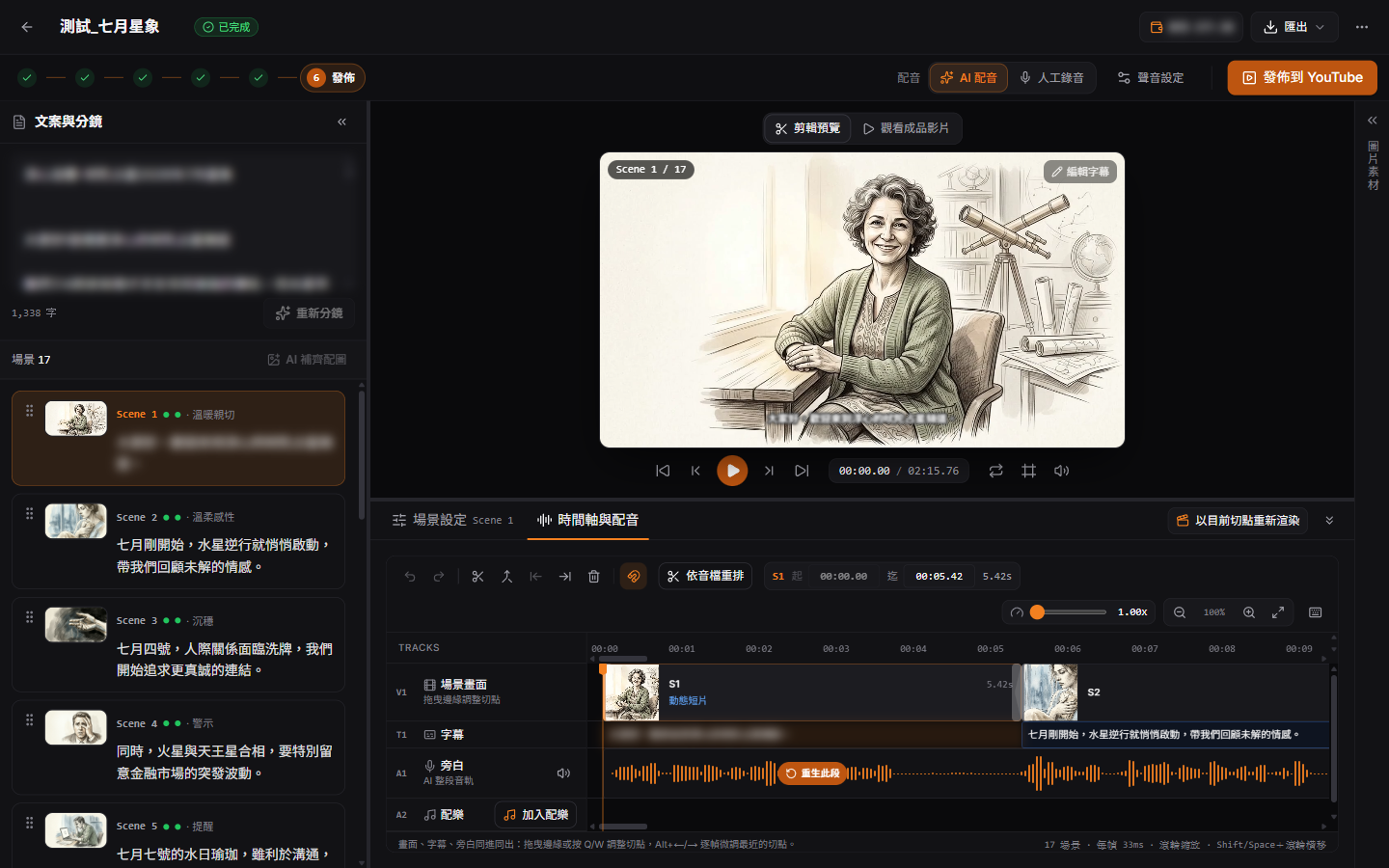
Waveform timeline
Re-time scenes while listening, and regenerate a single scene's voice.
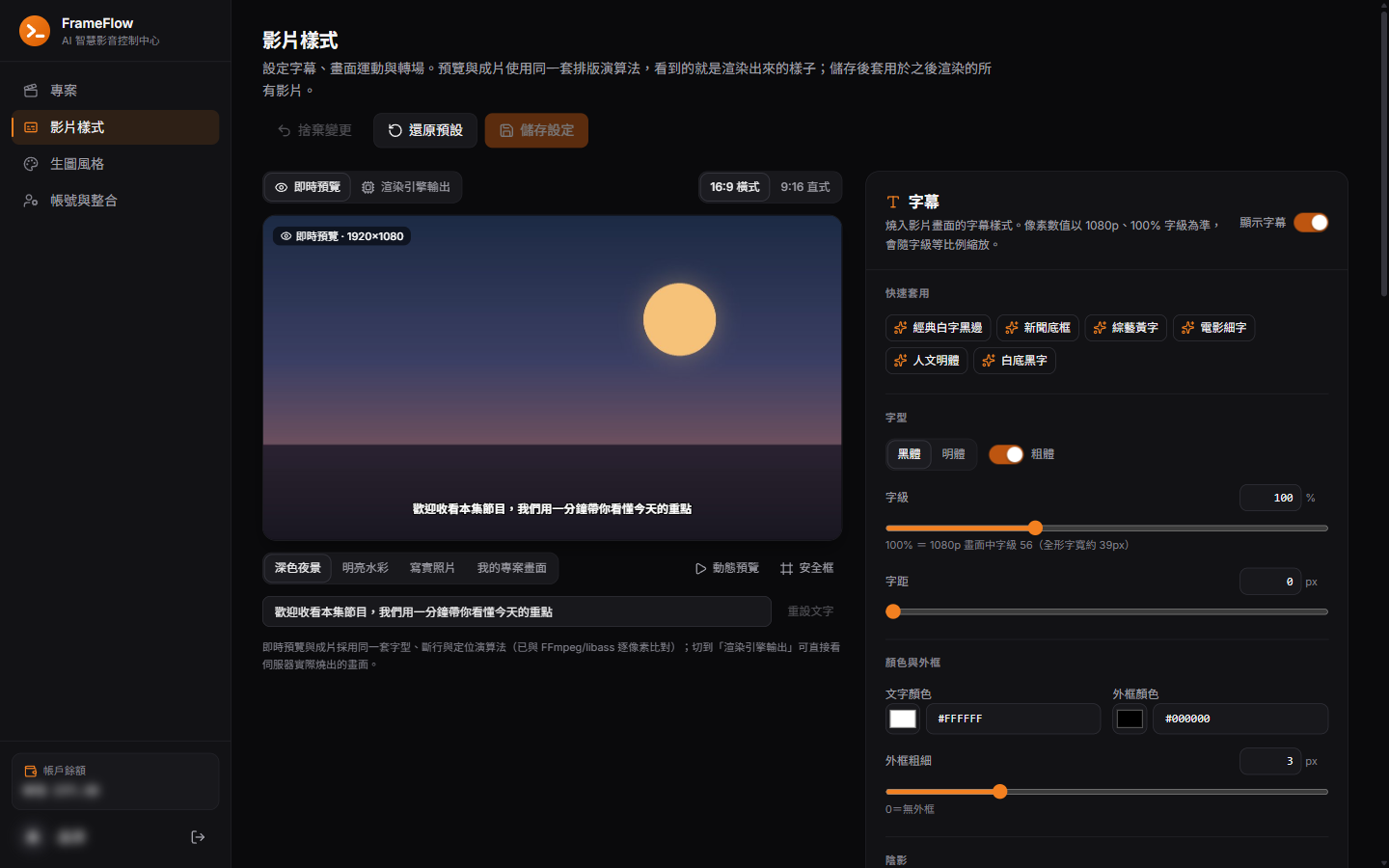
Camera & subtitles
13 camera moves, subtitle styles, intro/outro, background music, 1.0–2.0× speed.
One-click render
Storyboard to final video in one run, with Email and Discord notifications on success or failure.
Publish
Upload to YouTube with an AI-drafted title and description, and back up to Google Drive.
04
Technical details
04.1
Frame-locked: every scene snaps to the 30 fps grid
Narration is generated once and cut into scenes with per-character timestamps. Each boundary is the next scene's start, durations snap to the frame grid, and every clip is rendered with an exact frame count.
- Pauses cannot cause drift; the last scene stretches to the end of the audio.
- Recorded in the commit: 33 ms total error that does not accumulate.
Full narration (per-character timestamps)
Frame grid (30 fps, 0–1 s)
Scene 1Scene 2① Boundary = next scene's start: 472 ms
② Snap to frame 14: 466.7 ms
③ Render with -frames:v 14
Values are an illustrative example.
04.2
Style anchor: the first image sets the style
When a project has no images yet, scene 1 is generated alone from the user's reference. It becomes the anchor; the remaining scenes are generated in parallel with the reference and the anchor.
- Each prompt has four layers: scene, style, composition (exactly one subject) and a negative directive.
- A scene being regenerated is never picked as the anchor.
User reference
① Scene 1 alone
② The rest in parallel, with reference + anchor
Every image prompt
1Scene prompt2Style directive3Composition: exactly one subject4Negative directiveColour blocks are illustrative, not actual output.
04.3
Re-voicing a single scene
The new clip is spliced back into the original track with 0.8 s of silence either side, and every later scene and subtitle shifts by the difference.
Narration track
Scene 1Scene 2Scene 3Scene 4Scene 5① Regenerate scene 3 only
② Pad 0.8 s each side, splice with FFmpeg
③ Later scenes and subtitles shift by Δ
05
Screens